Mambu Status
status.mambu.com
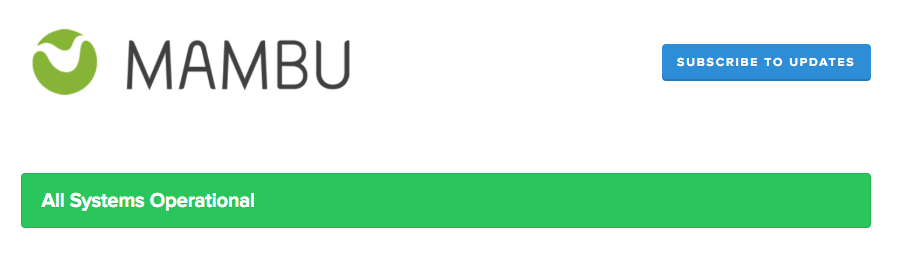
Our status page provides you with real-time status updates for all of our multi-tenant production and sandbox servers. You will also find information about upcoming maintenance and releases, active and historical incidents, and can access our latency and availability reports.
If your organization has a dedicated environment, Mambu has provided you with an individual status page. Please contact us through Mambu Support for any questions about your status page.
Subscribe to Updates
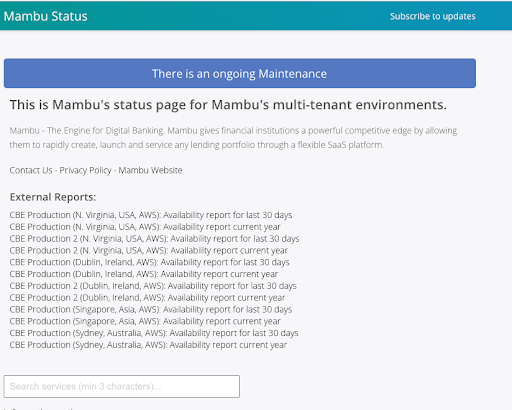
Click Subscribe to Updates to receive updates from our status page. Updates are available in the following formats:
| Format | Update types |
|---|---|
| Notifications for new, updated, or resolved incidents, maintenances, information notices, and component status changes. | |
| RSS/Atom feed | Notifications for new, updated, or resolved incidents, maintenances, information notices, and component status changes. |
For additional subscription options, please contact your Customer Success Manager (CSM).
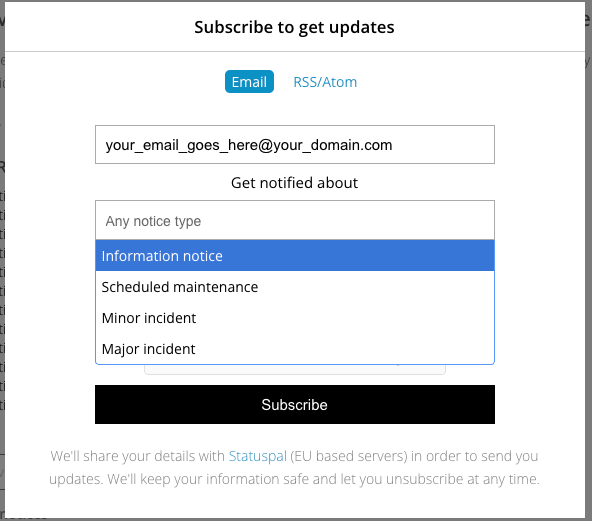
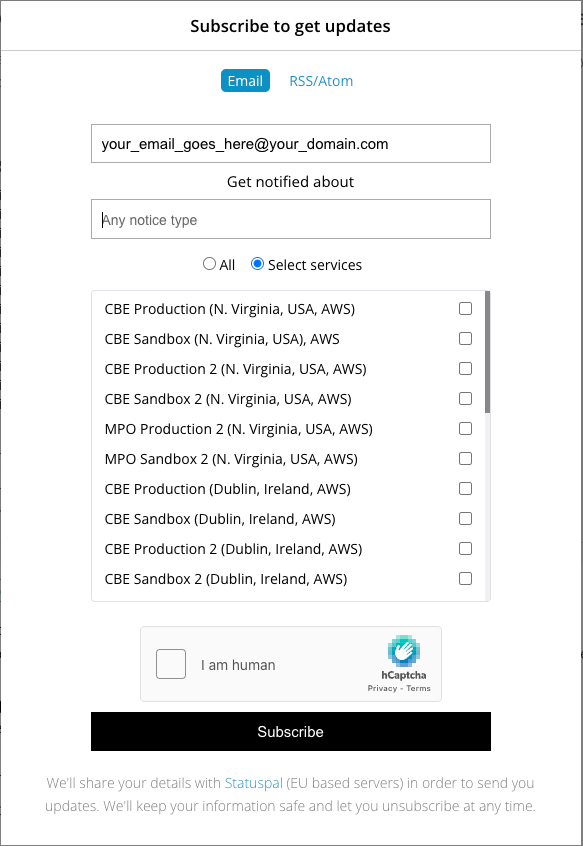
The Subscribe to get updates form allows you to configure how you receive notifications from the status page.
- Email field – Enter your email address to subscribe.
- Notification types – Choose what kind of updates you want to receive (e.g., incident, maintenance, information notice). If none are selected, you’ll receive all types by default.
- Services/Components – Select the services or components you want to be notified about. You can choose All or select specific services.
- Verification – Confirm you are human with the security check.
- Subscribe button – Click to finalize your subscription.
You’ll receive a confirmation email with a link to manage or modify your subscription at any time.
To modify your subscription, use the Subscribe to Updates form and enter your email address. You’ll receive a link to update your preferences.
Availability Reports
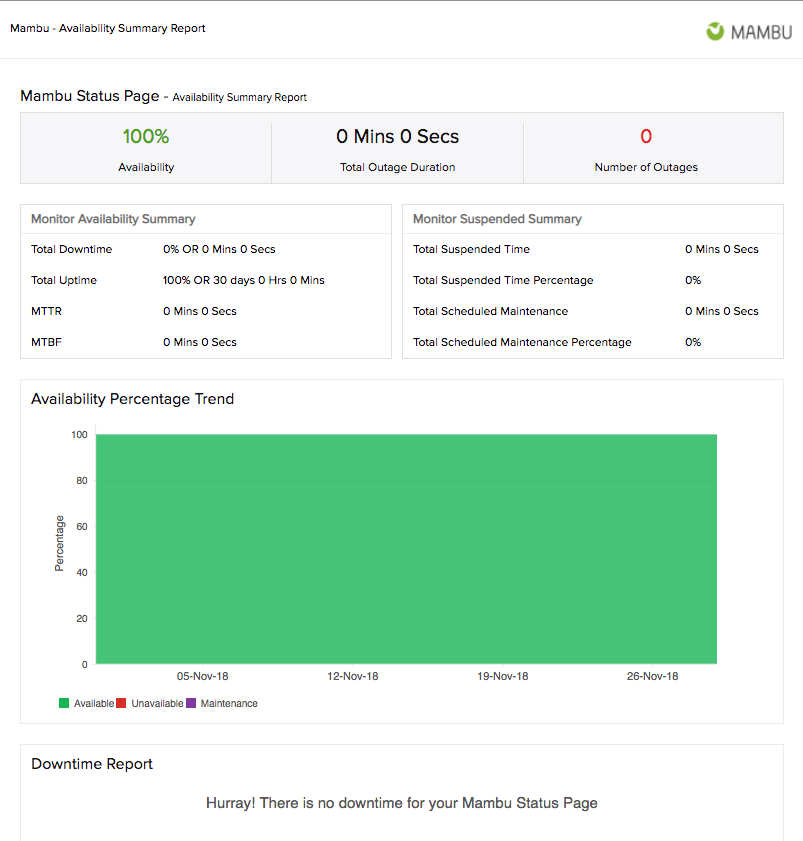
Availability reports are available for the past 30 days and for the current year.
/healthcheck endpoint
The /healthcheck endpoint is a convenient way to manually or automatically check the status of a specific Mambu server. If the Mambu server is available, it will return response code 200 together with the message OK. You can enter the URL into a web browser or call the API endpoint using your tool of choice.
Tenant URL and endpoint
https://TENANT_NAME.mambu.com/healthcheck
Request
GET https://TENANT_NAME.mambu.com/healthcheck
Responses
| Response Code | Text | Description |
|---|---|---|
| 200 | OK | Server is functioning properly |
| 500 | Internal Server Error | Server is not available |
| 503 | Service Temporarily Partially Unavailable | Database maintenance in progress; server is not ready to handle all requests. General API calls may succeed. |
Ignoring false positives
Errors can happen due to a range of issues from network connectivity issues - which are minimal in impact and most of the times produce false positives - up to server overload, which should be taken seriously.
Therefore we recommend that you implement a detection mechanism that ignores isolated healthcheck 5xx errors, and instead focuses on incidences of continuous 5xx errors. As a guideline, you can configure the healthcheck mechanism to query every 3-5 seconds, and if it returns 10 sequential 5xx errors, you should report this to Mambu.