Removing accounts from a credit arrangement
Accounts that are not yet closed can be removed (unlinked) from credit arrangements as long as the product setup does not require the account to be linked to a credit arrangement.
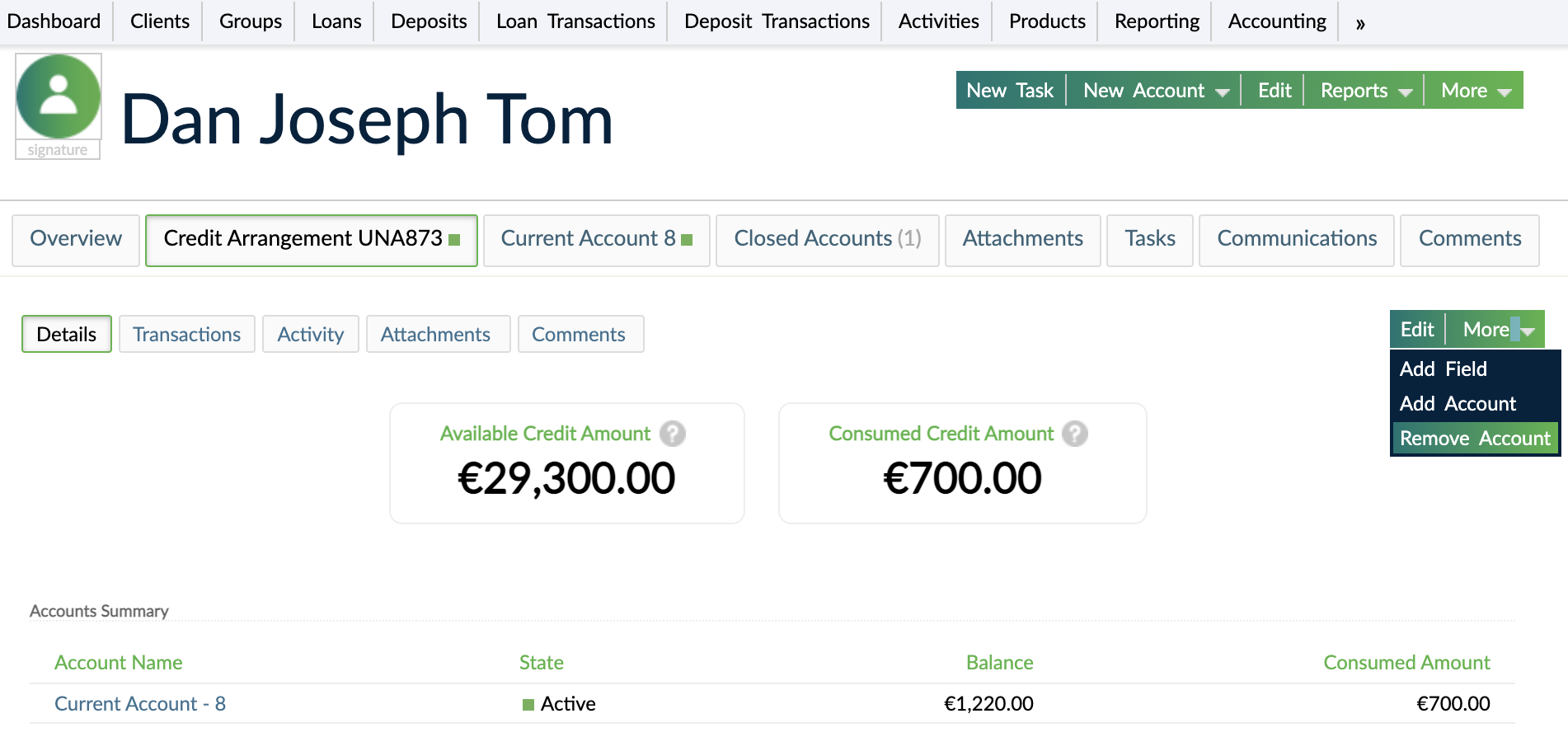
To remove an account from a credit arrangement:
- Open the client's or the group's profile.
- Select the credit arrangement from which you want to remove accounts.
- On the right-hand side of the screen, select More > Remove Account.
- Choose from the list of available loan accounts or deposit accounts allowing overdrafts.
- Select Remove Account.
note
Removing an account from a credit arrangement will update the Available Credit Amount Balances and the Approved Credit Amount values.