Branding
How to set the organization logo and icon
Mambu's logo and icon can be replaced with your own.
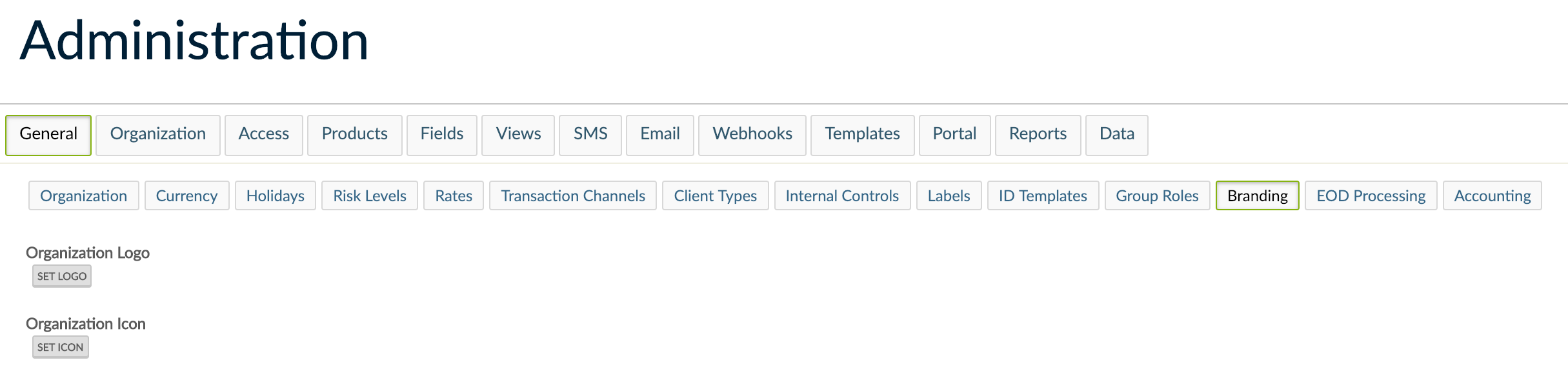
To update the icon and logo:
- Go to Administration > General Setup > Branding.
- Select the Set Icon or Set Logo button and upload your icon or logo file.
-
The icon will replace Mambu's icon on the top left-hand corner of the screen. For best results please use a 16*16 pixel .png file, or a bigger, square file, which would be re-sized by Mambu.
-
The logo will replace Mambu's logo in the login and unlock screens. For best results it is advisable that the image is a 300*50 pixel .png image with a transparent background.