Re-opening a Deposit Account
If a deposit account was closed by mistake or if a client who has been inactive for some time comes back to your organization and wants to use the same account, you can re-open it.
To re-open a deposit account:
- Open the client's profile.
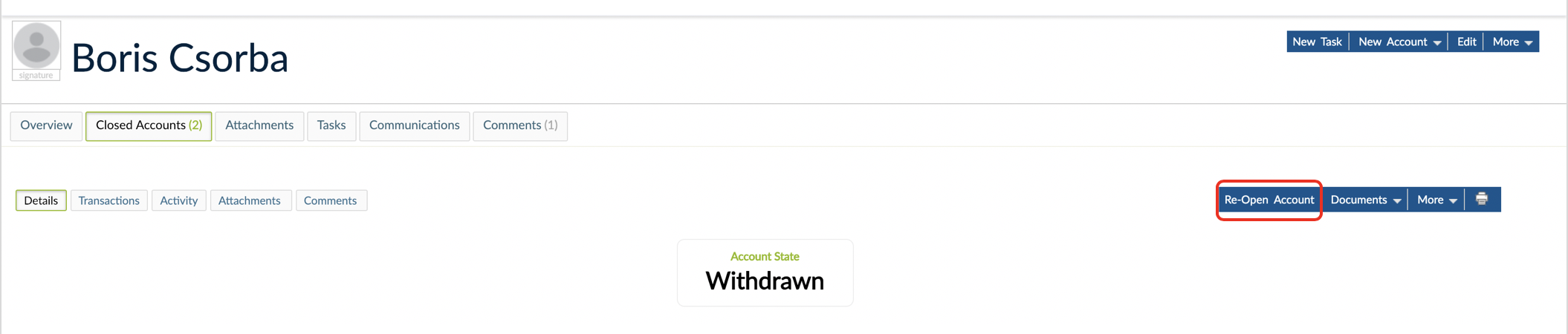
- Click on Closed Accounts.
- Click on the deposit account that you want to re-open.
- On the right hand side of the screen, click on Re-Open Account.
- Add a comment about the reason for re-opening.
- Click on Change Status.
warning
Only Current and Savings accounts can be re-opened.