Deleting Accounts
Deleting a deposit account removes it permanently. Except when created by mistake, we recommend that you close deposit accounts, not delete them.
note
A deposit account cannot be deleted once a transaction has been made on it.
To delete deposit accounts, you must be authenticated with a user type Administrator or have the Delete Deposit Accounts permission.
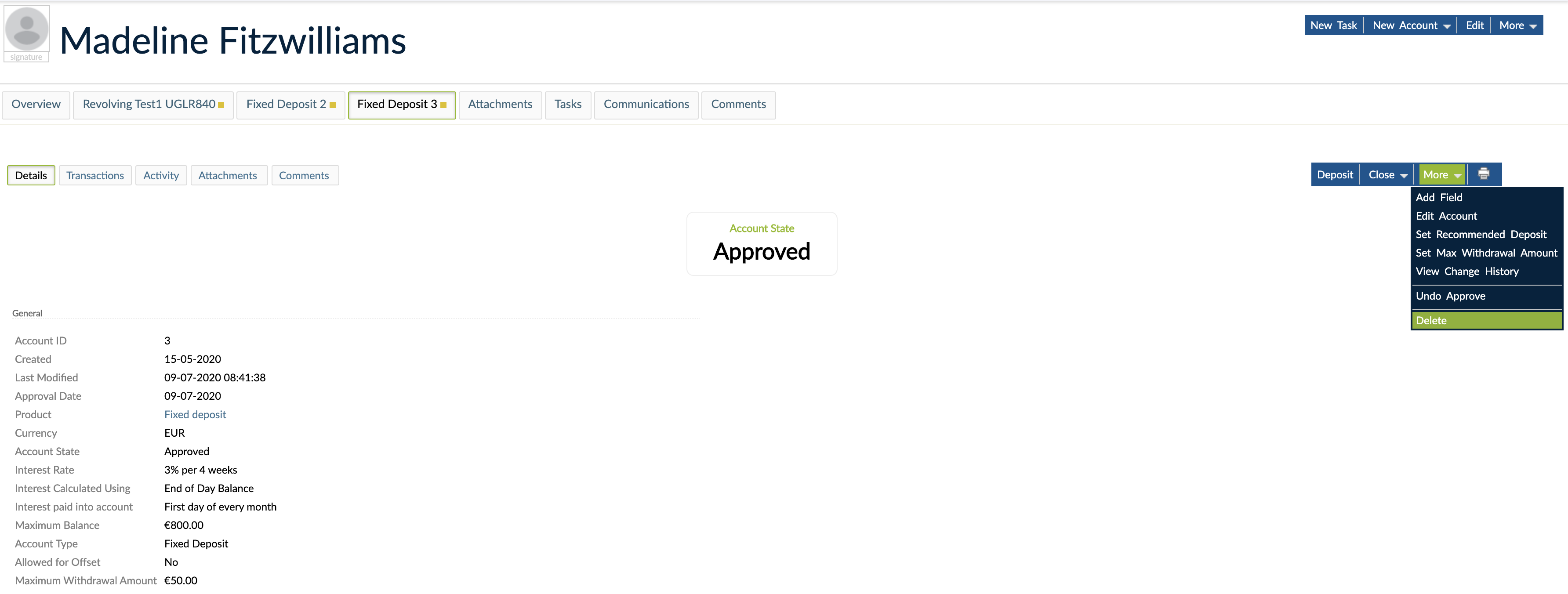
To delete an account:
- Open the deposit account.
- On the right hand side of the screen, select More > Delete.
- Confirm.