Rejecting a Deposit Account Application
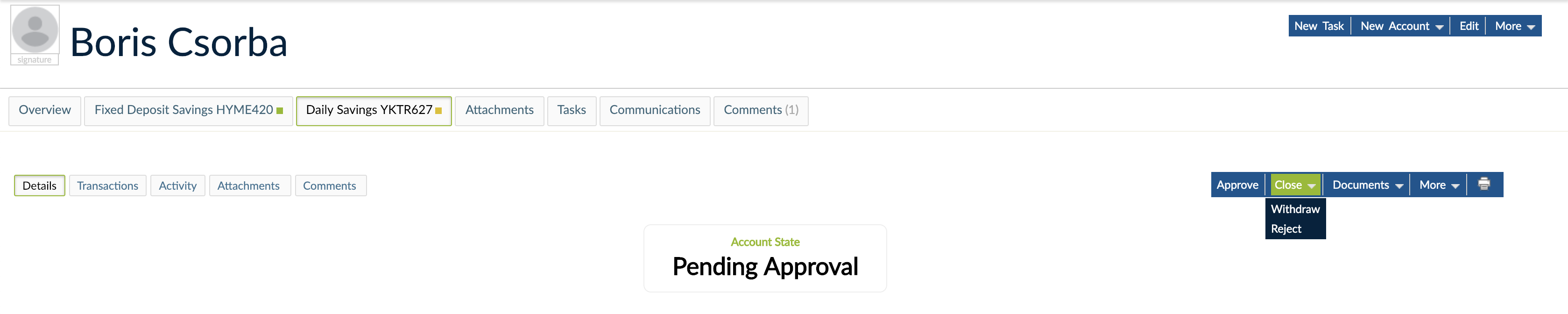
When a deposit account is still Pending Approval and the application hasn't fulfilled your organization's requirements, for instance, you can choose to reject it.
To reject a deposit account application:
- Open the deposit account.
- On the right hand side of the screen, click on Close > Reject.
- Add a comment about the reason for rejection.
- Click on Change Status.