Observability
Mambu MCP is currently available as a Limited Availability feature. To request access or more information, contact your Mambu account executive or your customer success manager.
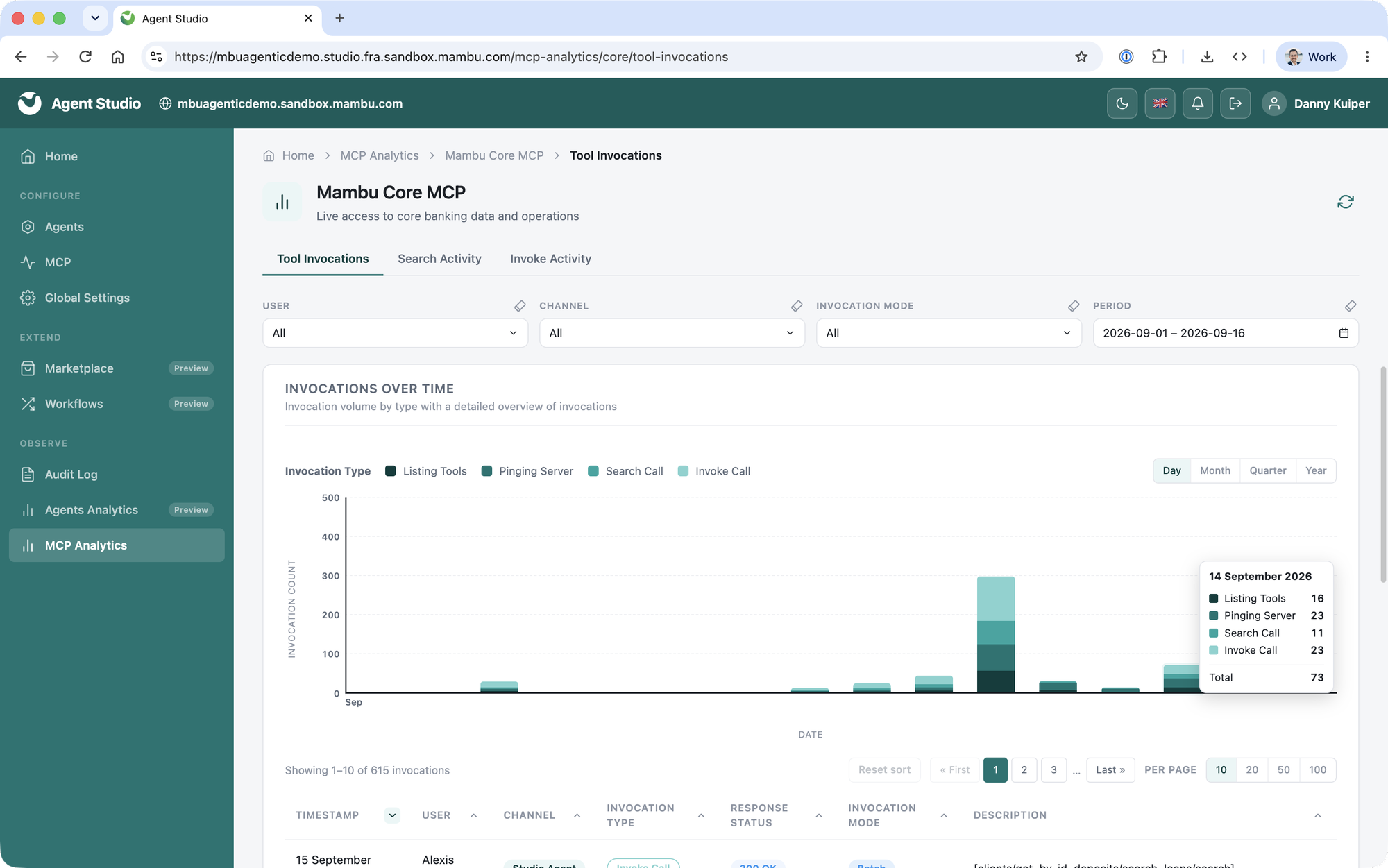
Mambu MCP captures usage automatically, so you can see exactly how AI interacts with your Mambu systems. Every invocation is traceable and auditable in MCP Analytics, under Observe in Agent Studio.
MCP Analytics
MCP Analytics turns raw invocation activity into insight, for troubleshooting, security review, and understanding how AI is using your core. You can focus any view on a specific user, channel, invocation mode or time period to answer a particular question. The three views are:
| View | What It Tells You |
|---|---|
| Tool Invocations | How much AI activity your MCP is handling, of what kind and by whom, over time, so you can spot trends, spikes and calls that are failing. |
| Search Activity | The queries agents send to discover the operations a task needs, and how well the MCP matches them. These are the agent's own search terms, not the end user's prompt. |
| Invoke Activity | Which Mambu operations are actually being used, and how heavily, so you can see where real reliance sits. |
Audit Log
Configuration changes to Mambu MCP are recorded in the Agent Studio audit log, alongside all other configuration and access changes, for compliance and troubleshooting. It captures who enabled or disabled operations at tenant or user level, who changed a permission template, and when. See Agent Studio.
Usage Tracking
Every invocation also counts towards your subscription, so consumption is tracked automatically as agents and clients use Mambu MCP. For consumption volumes, limits and the Usage dashboard, see Consumption Controls & User Limits.